Creating a Class Diagram online
Choose a Tool:
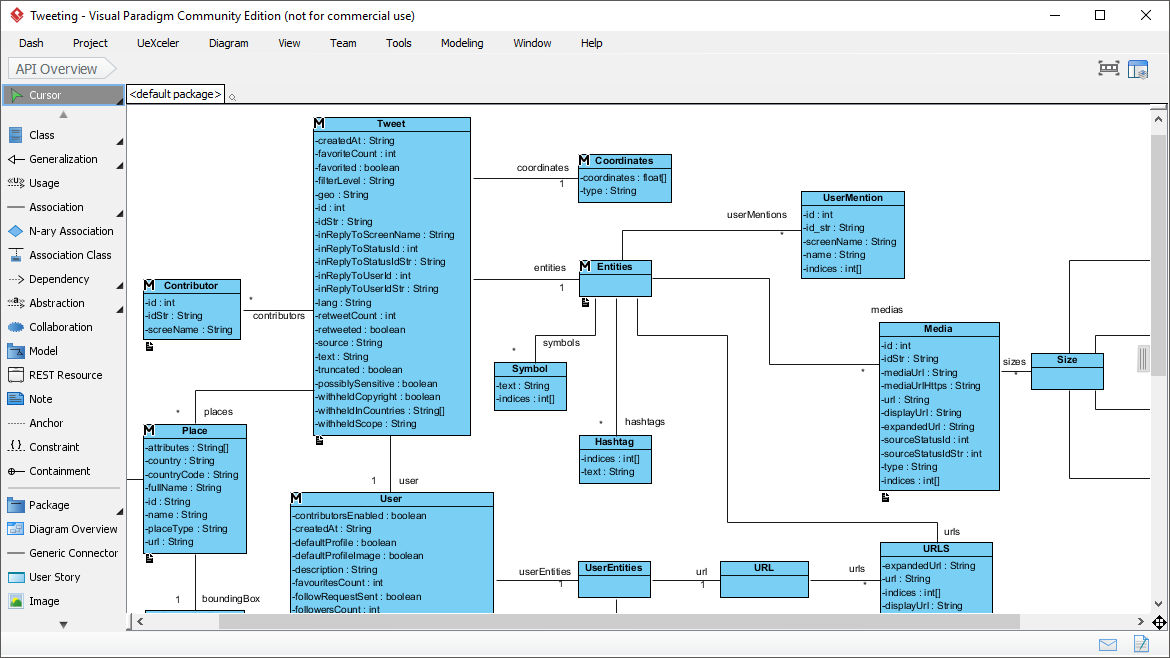
There are several online tools available for creating class diagrams, such as Lucidchart, draw.io, Creately, and Visual Paradigm Online. Choose one that suits your preferences and requirements. Many of these tools offer free versions with limited features, as well as paid subscriptions with more advanced capabilities. Lets Explore some good tools-
1. Lucid Chart

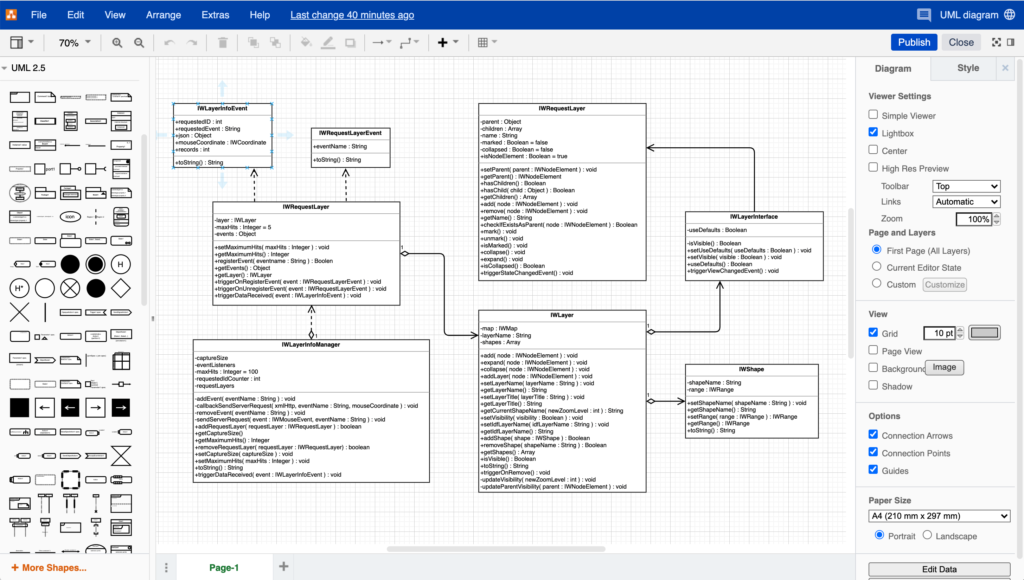
2. Draw.io
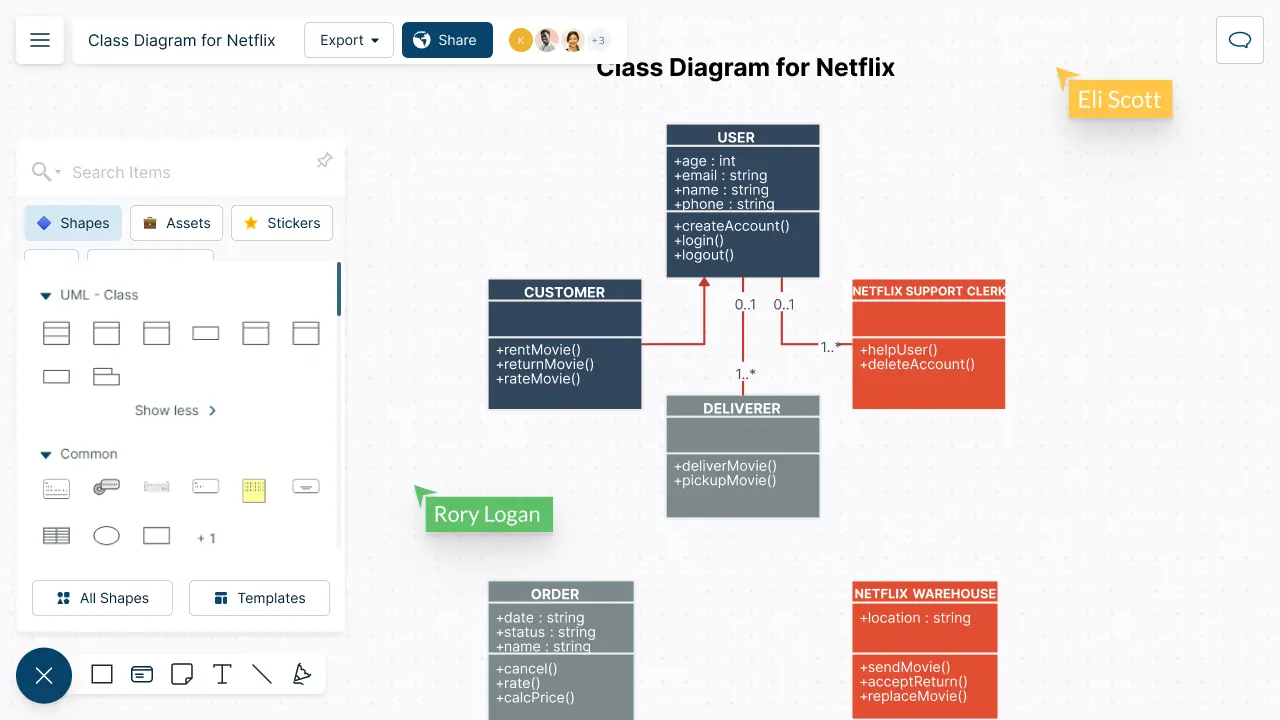
3. Creately
Sign Up or Log In: If required, sign up for an account or log in to the chosen online tool.
Start a New Diagram: Once logged in, start a new diagram. Look for an option to create a new diagram or select a template for a class diagram.
Add Classes: Use the tools provided by the platform to add classes to your diagram. Typically, you can drag and drop shapes representing classes onto the canvas and then label them appropriately. Classes usually consist of three sections: the class name, attributes, and methods.
Define Relationships: Use arrows or connectors to define relationships between classes. Common types of relationships include inheritance (e.g., superclass-subclass relationships), association (e.g., one class is associated with another), aggregation (e.g., a whole-part relationship), and composition (e.g., a stronger form of aggregation where the parts are dependent on the whole).
Add Multiplicity and Roles: Depending on the tool you're using, you may be able to add multiplicity (e.g., one-to-many, many-to-many) and roles to the relationships to further specify their nature.
Format and Style: Once you've added classes and relationships, you can format and style your diagram to make it visually appealing and easier to understand. This may include adjusting the colors, fonts, line styles, and alignment of elements.
Save and Share: After creating and formatting your class diagram, save your work to the online platform. Most tools allow you to save your diagrams in the cloud, making it easy to access and share them with collaborators or stakeholders.
Review and Iterate: Finally, review your class diagram to ensure accuracy and completeness. Make any necessary revisions or iterations based on feedback or changes to the system you're modeling.
By following these steps, you can create a class diagram online using various available tools and platforms. Each tool may have its own specific features and workflow, so feel free to explore and experiment to find the one that best suits your needs.


No comments:
Post a Comment